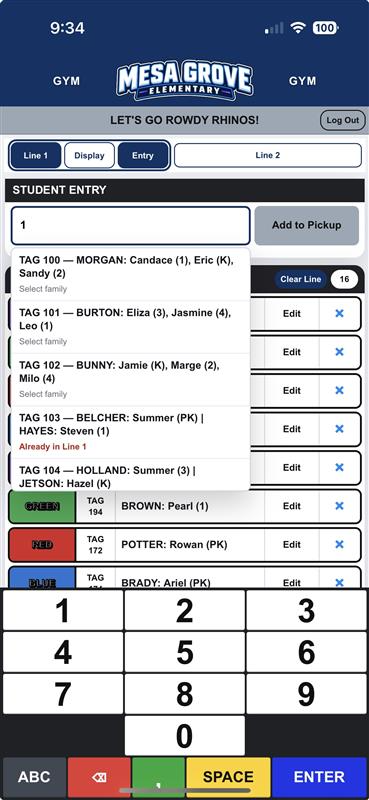
Enter the car tag
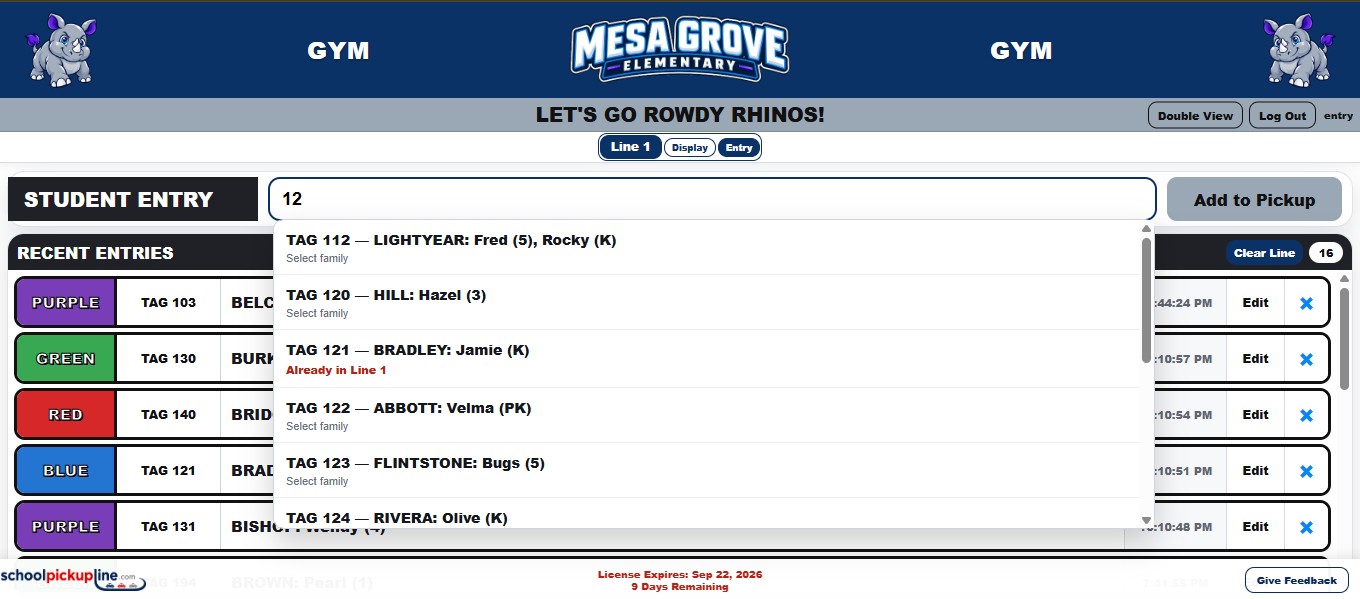
Staff enter the tag hanging in the arriving vehicle from a computer, tablet, or phone.
LineFull
ScreenLog
Out
Riverside ElementaryCAFETERIA
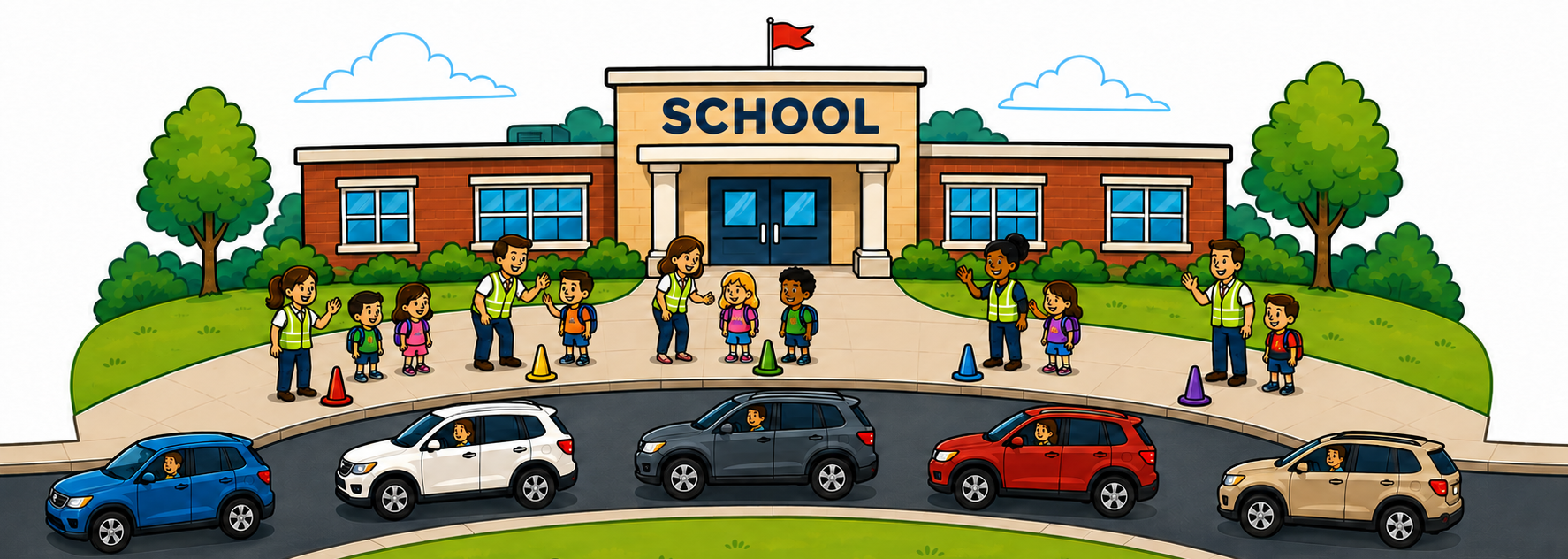
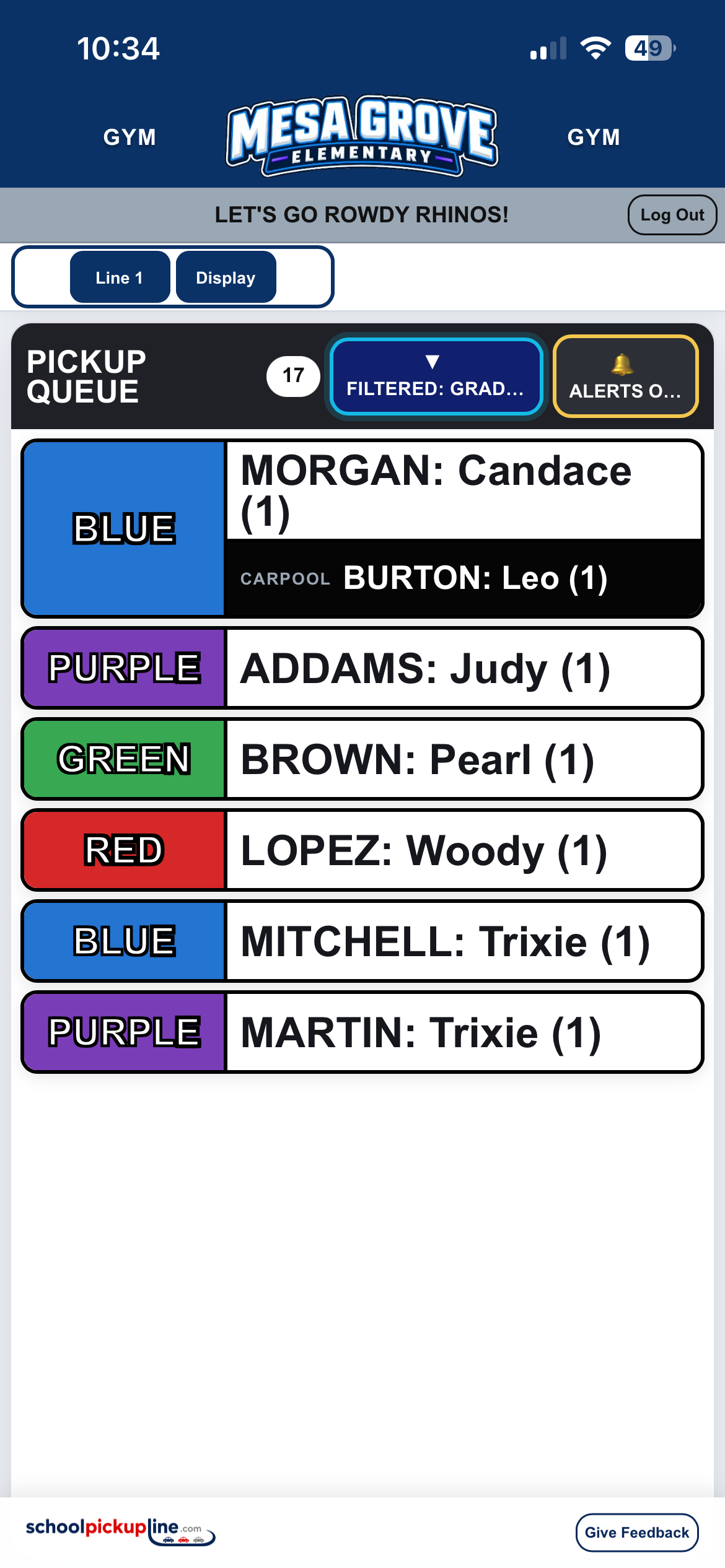
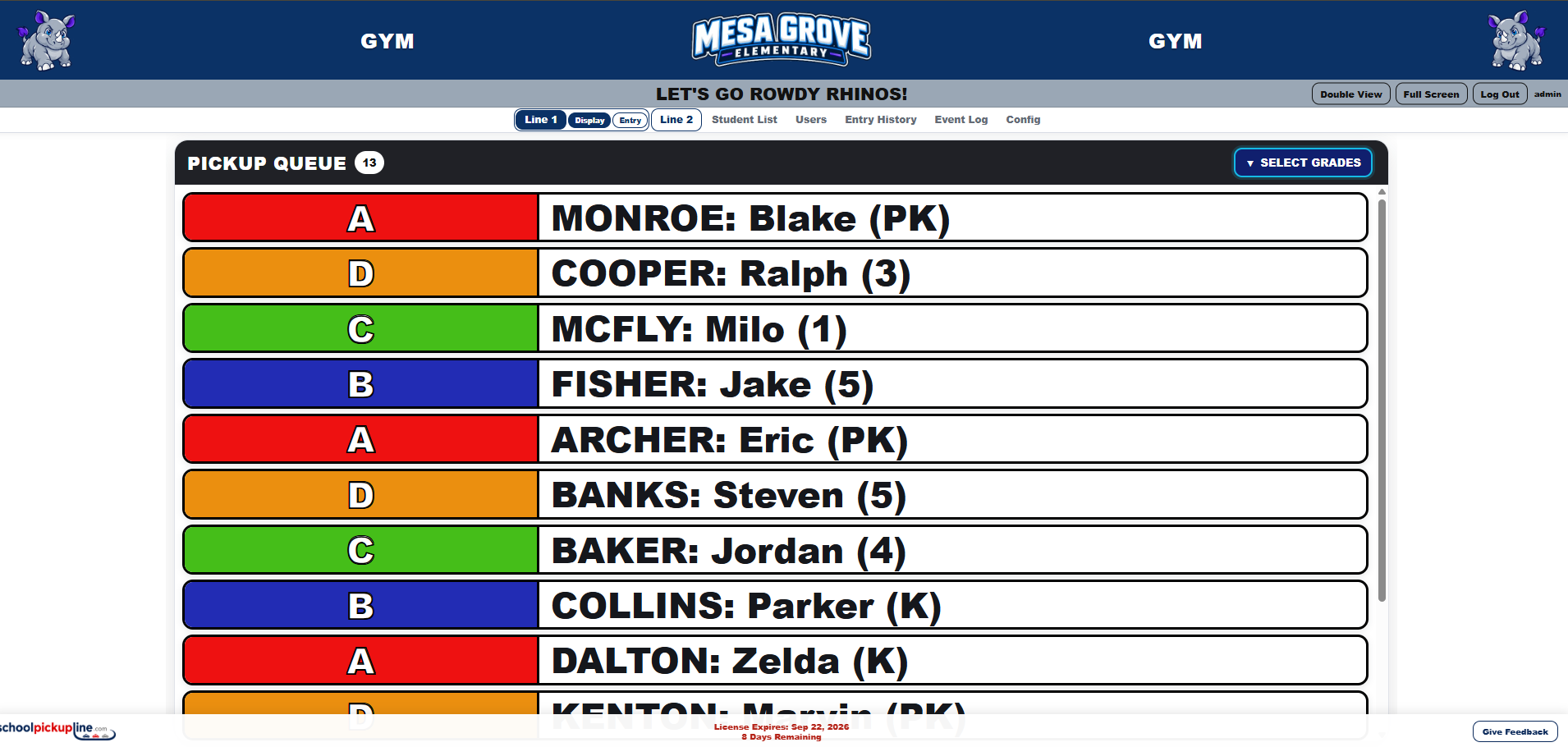
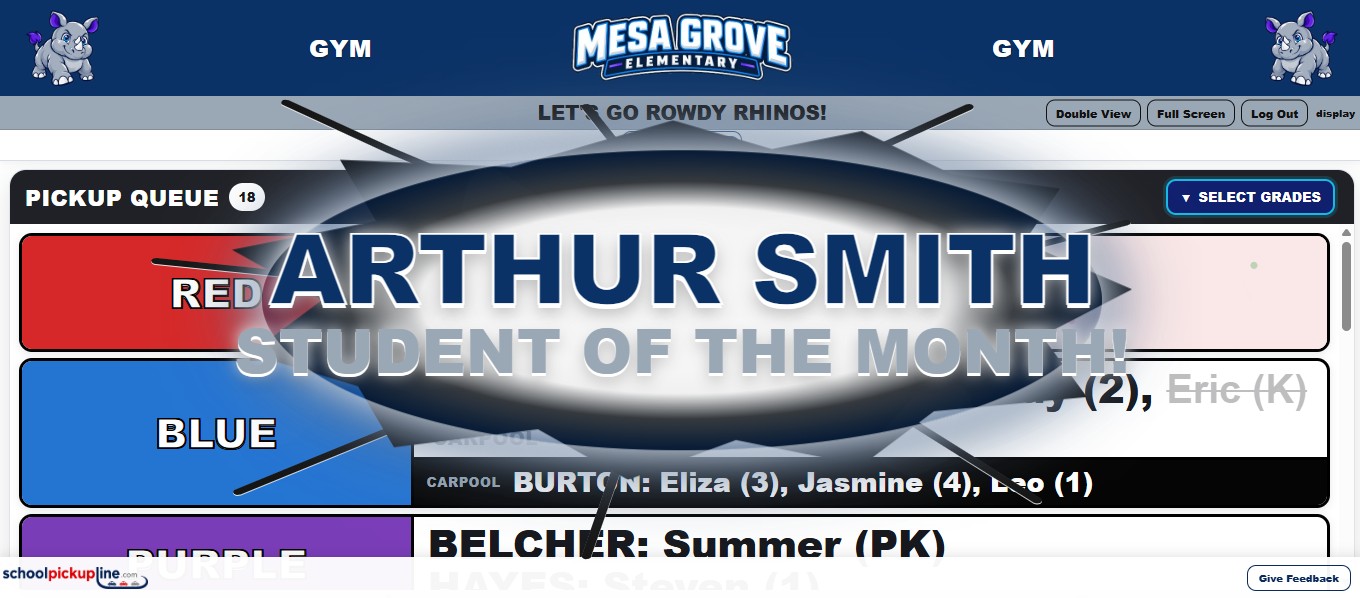
Staff enter the tag hanging in the arriving vehicle. SchoolPickupLine sends the family to a live, color-coded queue that teachers and dismissal staff can see anywhere on campus.
Enter once. See everywhere. Keep dismissal moving. The examples below use a fictional school and fictional students.
Staff enter the tag hanging in the arriving vehicle from a computer, tablet, or phone.
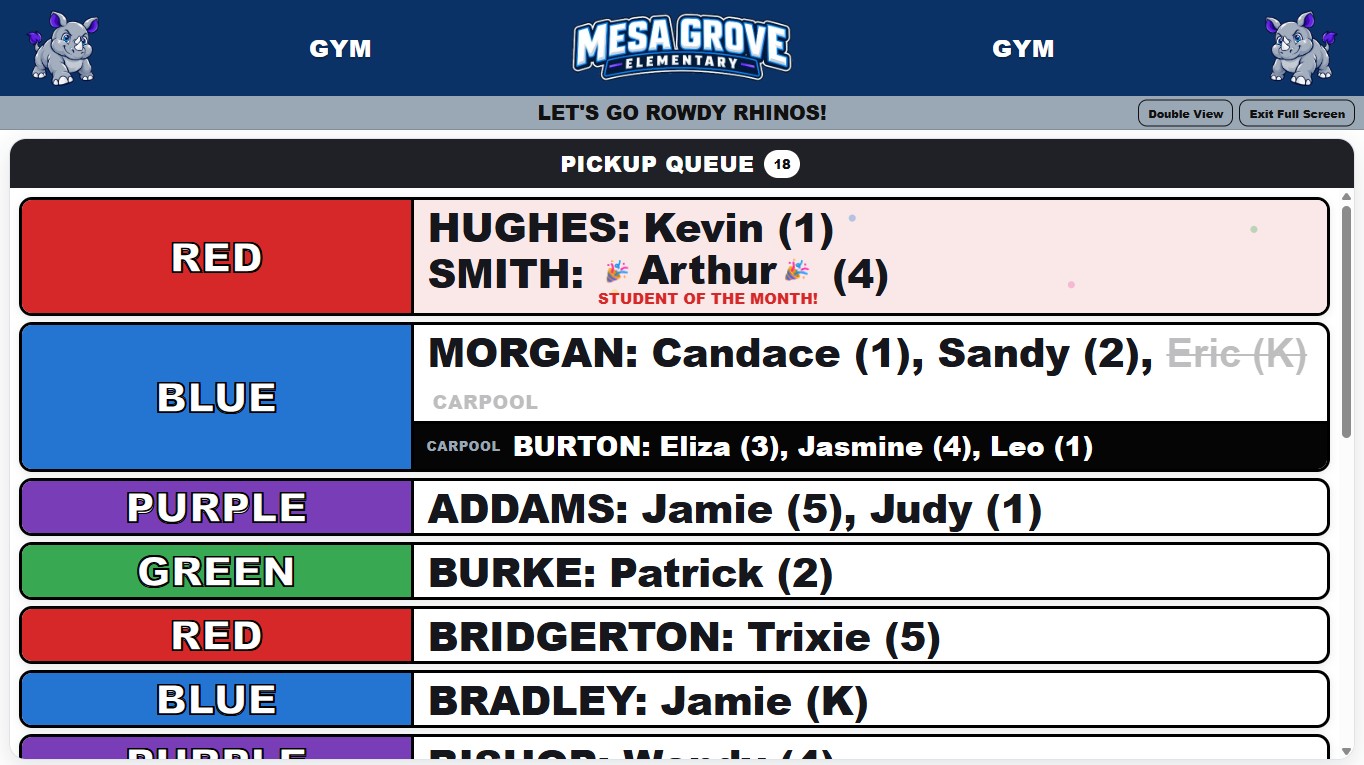
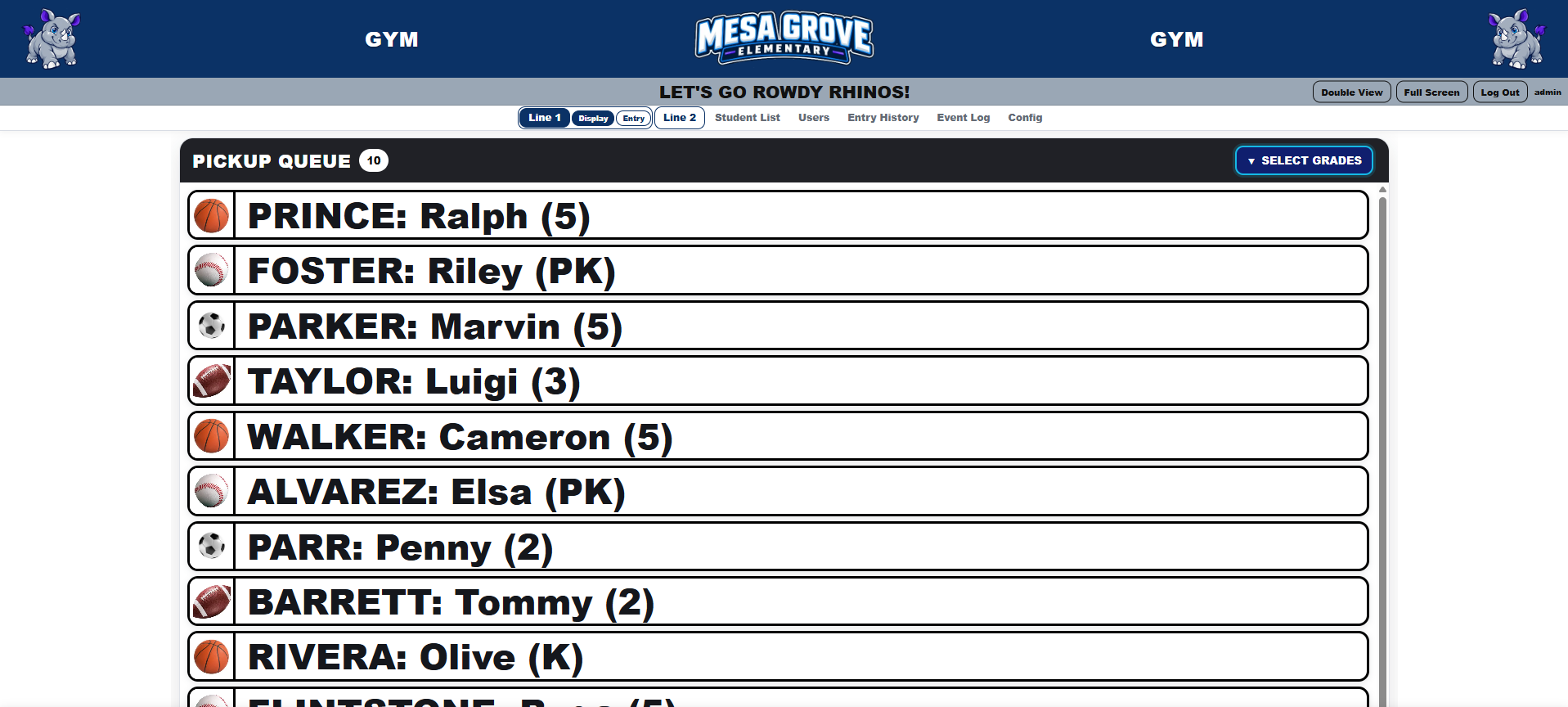
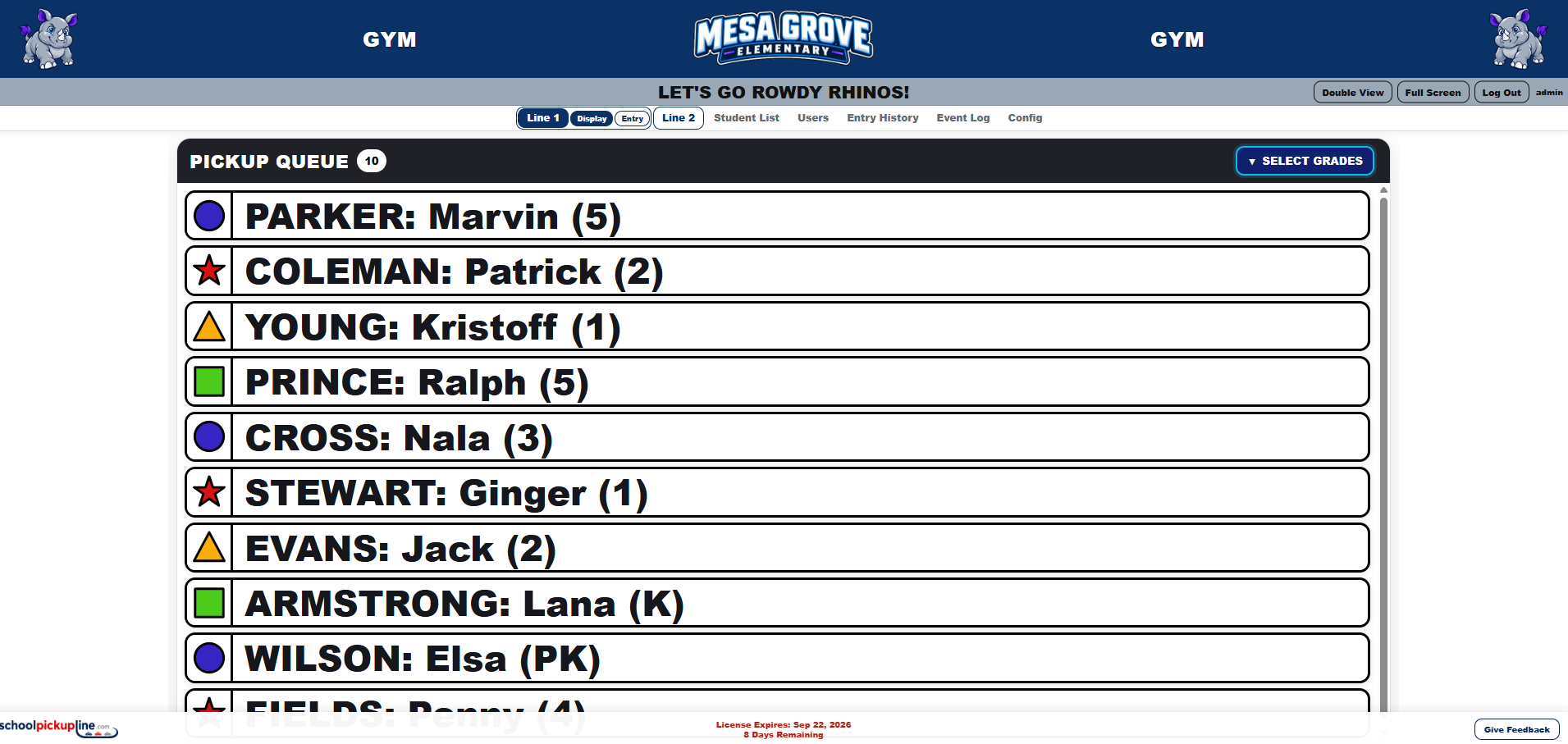
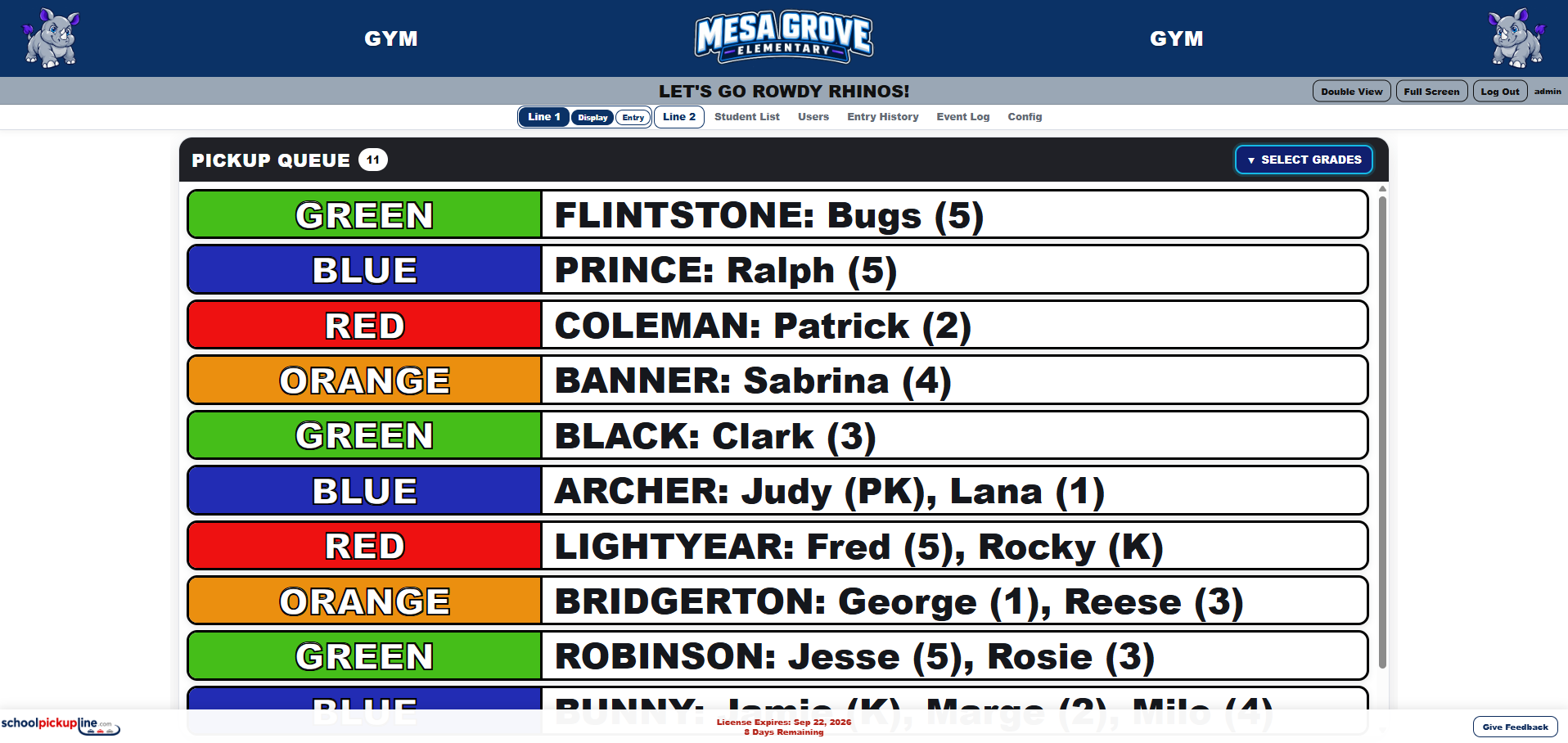
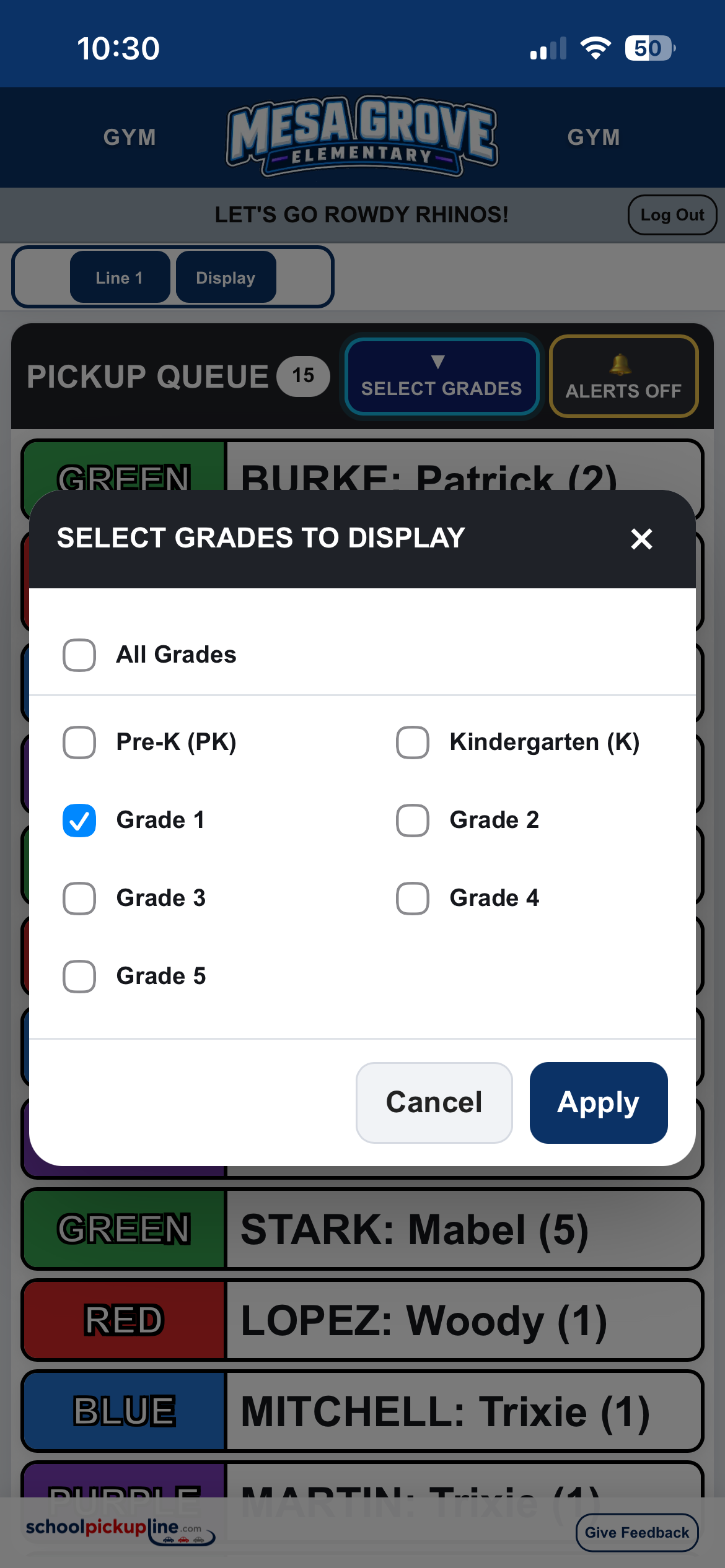
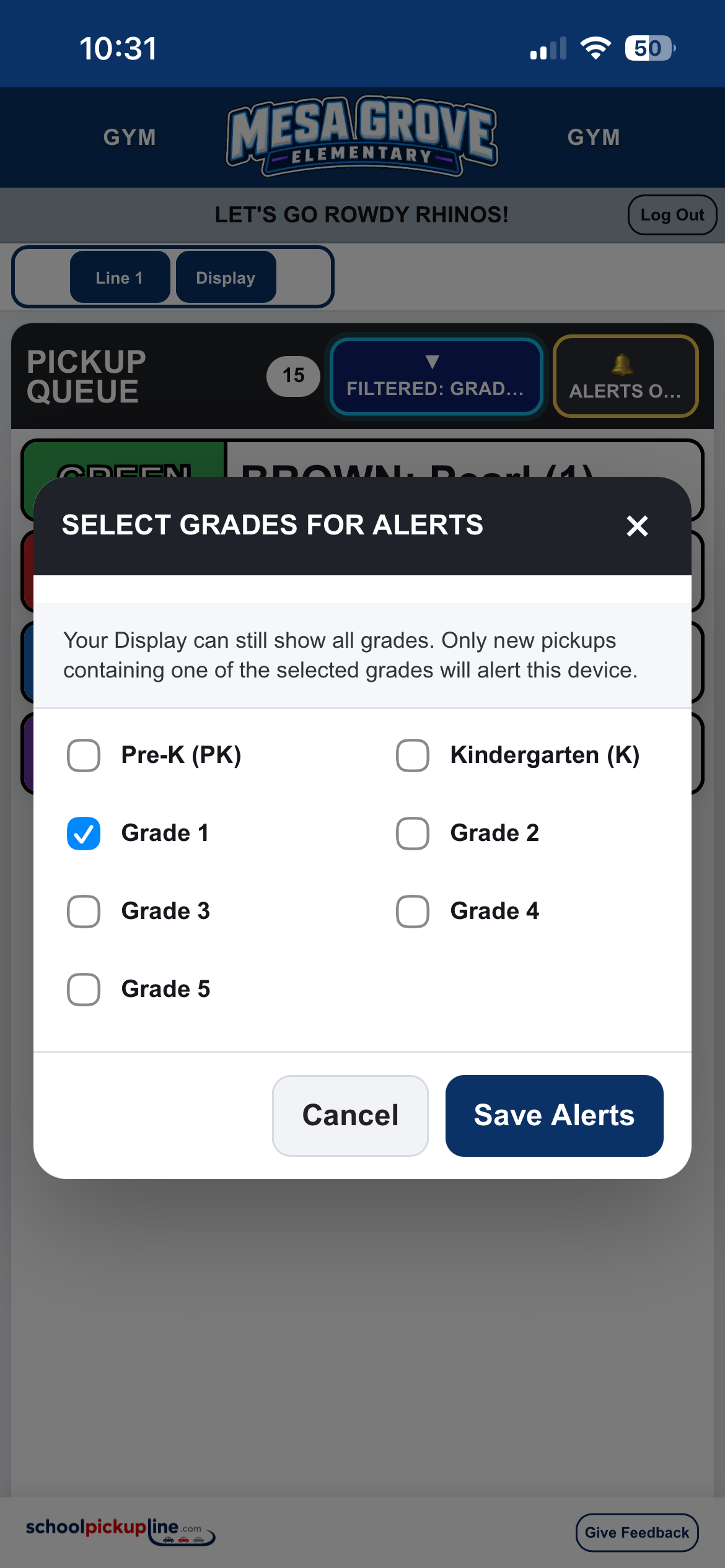
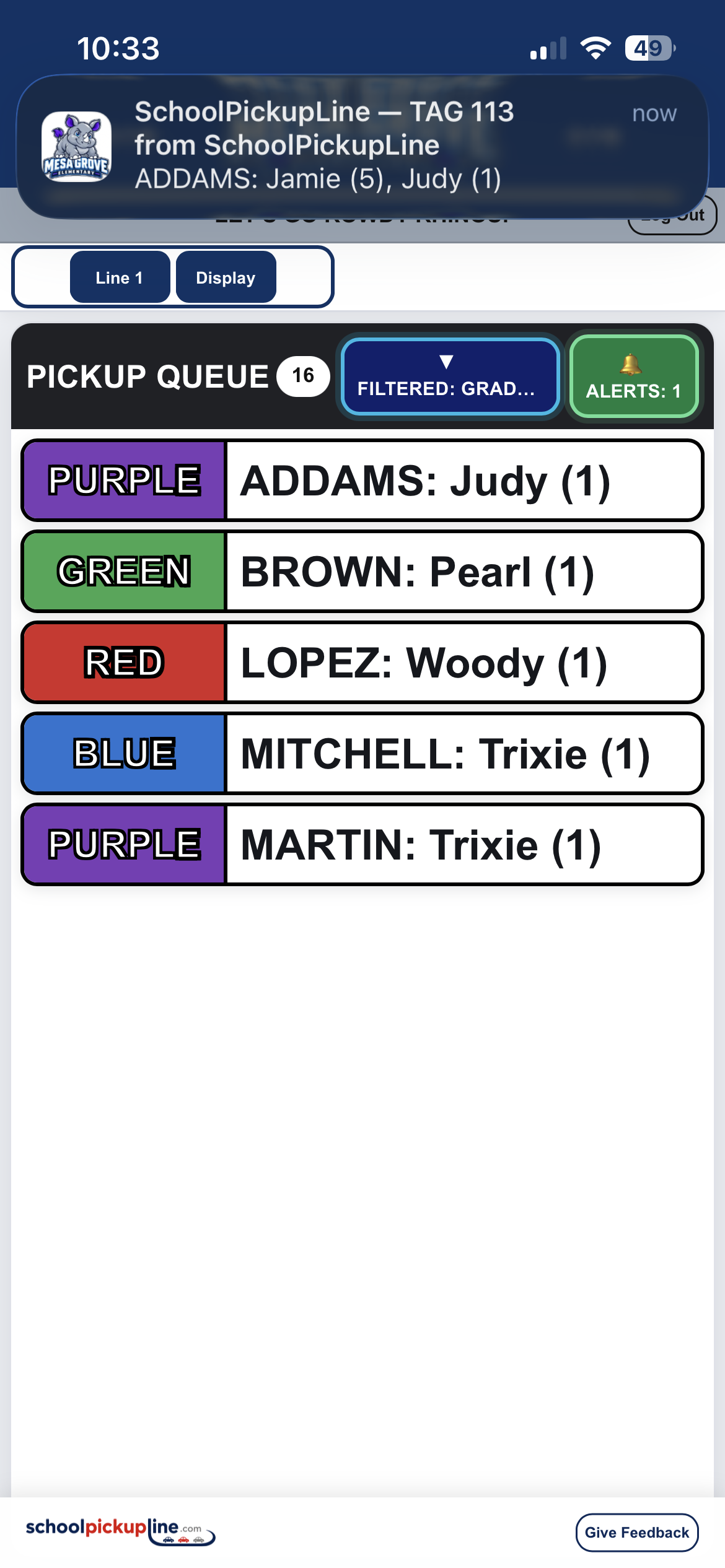
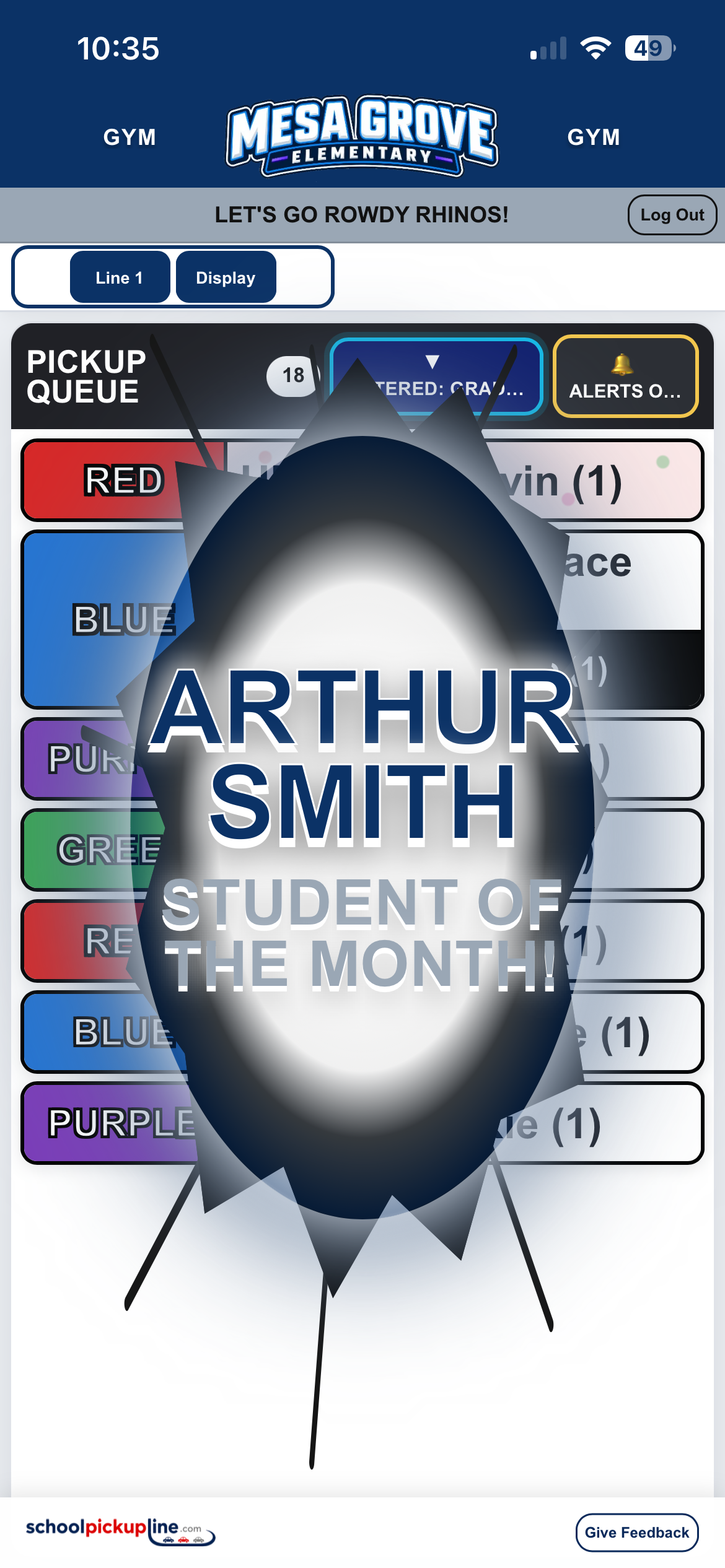
Riverside ElementaryTeachers and dismissal staff see the same live, color-coded queue on TVs, computers, tablets, and phones.
Riverside ElementaryType the tag number hanging in the vehicle, with predictive family matching.
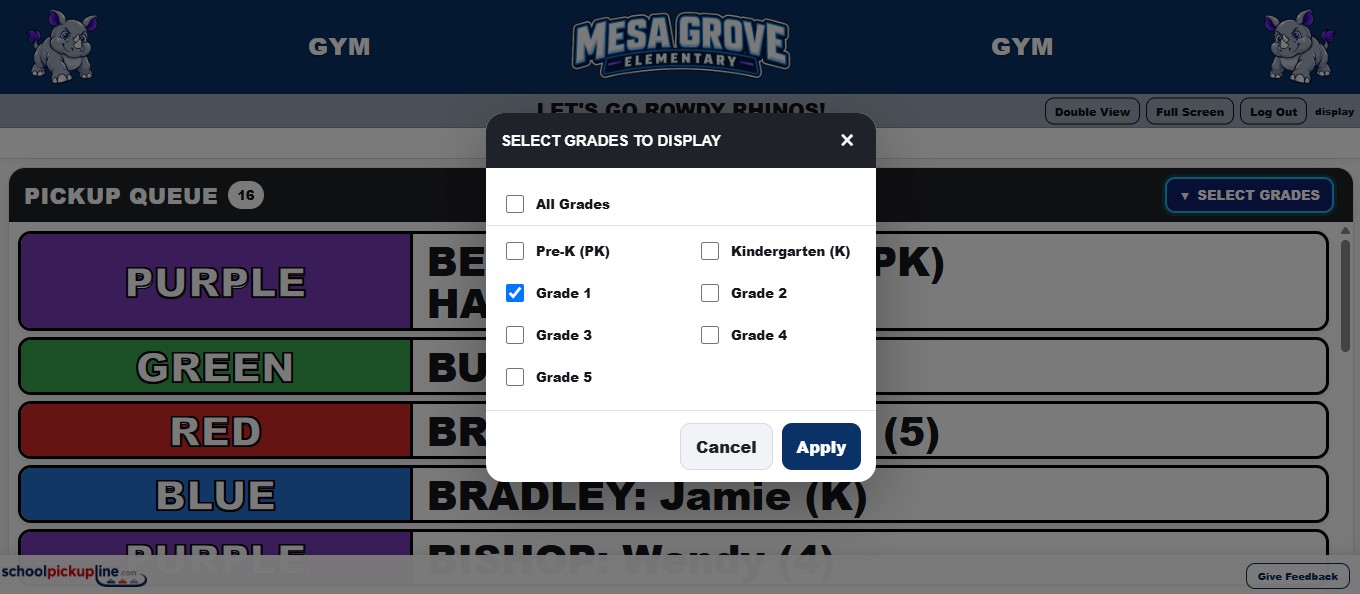
See grades, siblings, carpools, manual entries, and pickup order at a glance.
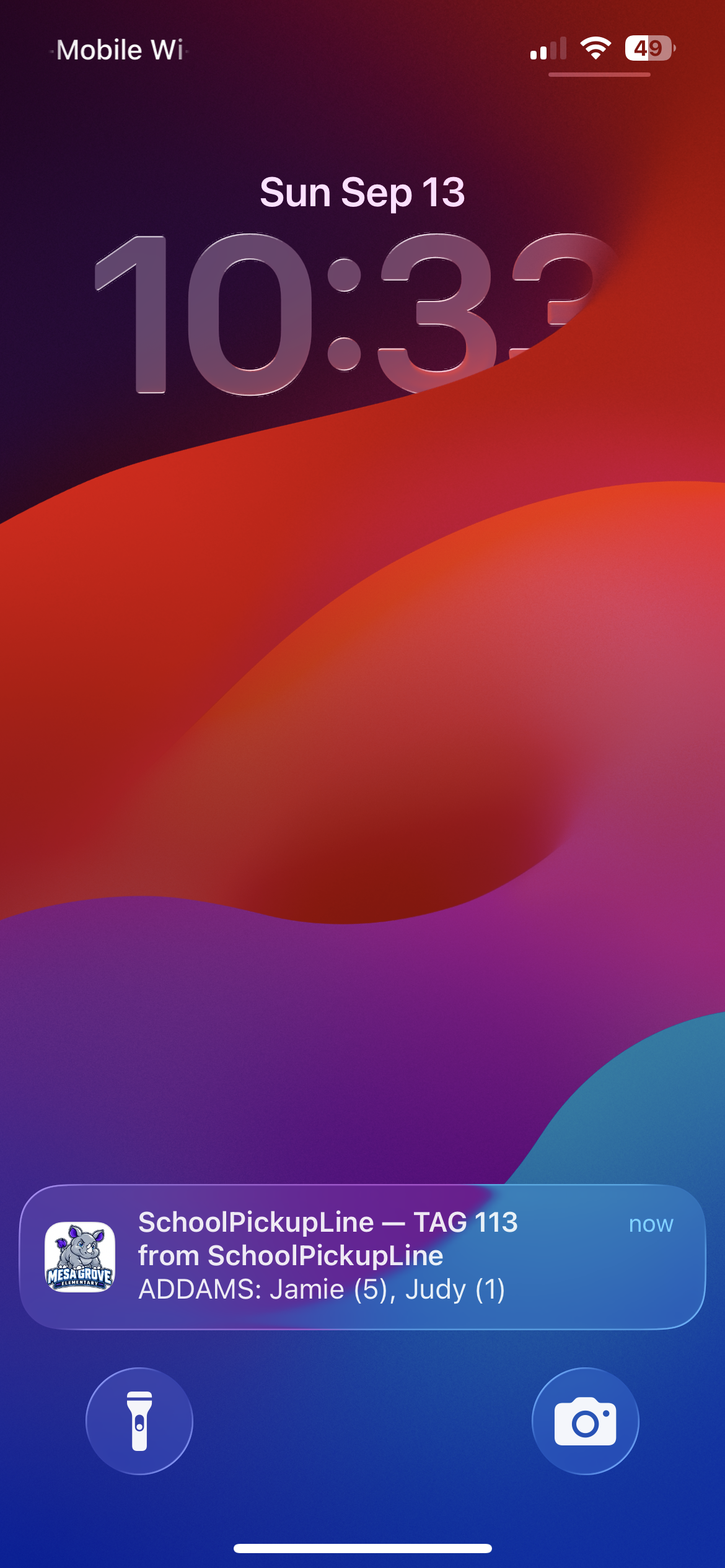
Displays update across computers, TVs, tablets, and phones.
A staff member sees the tag hanging in the arriving vehicle and enters the number. Predictive lookup can also find a family or student by name when needed.
The family is added immediately and receives the next configured pickup color. Siblings stay together and configured carpools are clearly called out.
Teachers see the queue in the classroom, auditorium, gym, hallway, office, or outside. Students report to the matching color location your school already uses.
SchoolPickupLine is configured around the way your campus already operates. Authorized school admins maintain the day-to-day system themselves.
Talk to Us About Your SchoolSet primary and secondary branding colors, upload school logos, and control line announcements.
Use cones, hula hoops, signs, painted zones, flags, or any color system already used on campus.
Run Line 1 and Line 2 independently on the same campus with separate queues and settings.
Siblings, carpools, predictive lookup, manual entries, duplicate warnings, edits, and queue corrections are built in.
Admins can manage students, users, announcements, colors, logos, line settings, and CSV imports/exports.
Use the PCs, tablets, phones, TVs, and projectors your staff already has.
Select your school to open its secure SchoolPickupLine site.
We only need enough information to understand the size of your school and the workflow you're trying to improve.