School dismissal, without the radio chaos

Pickup made simple for schools.

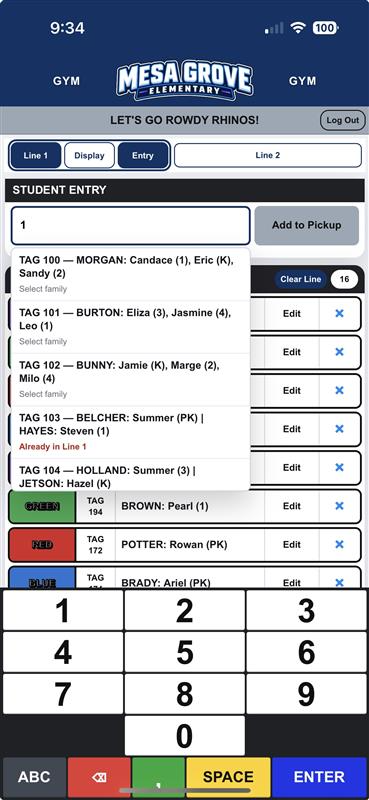
Staff enter the tag hanging in the arriving vehicle. SchoolPickupLine sends the family to a live, color-coded queue that teachers and dismissal staff can see anywhere on campus.

  • No app to install
  • Works on computers, tablets, phones, TVs, and projectors
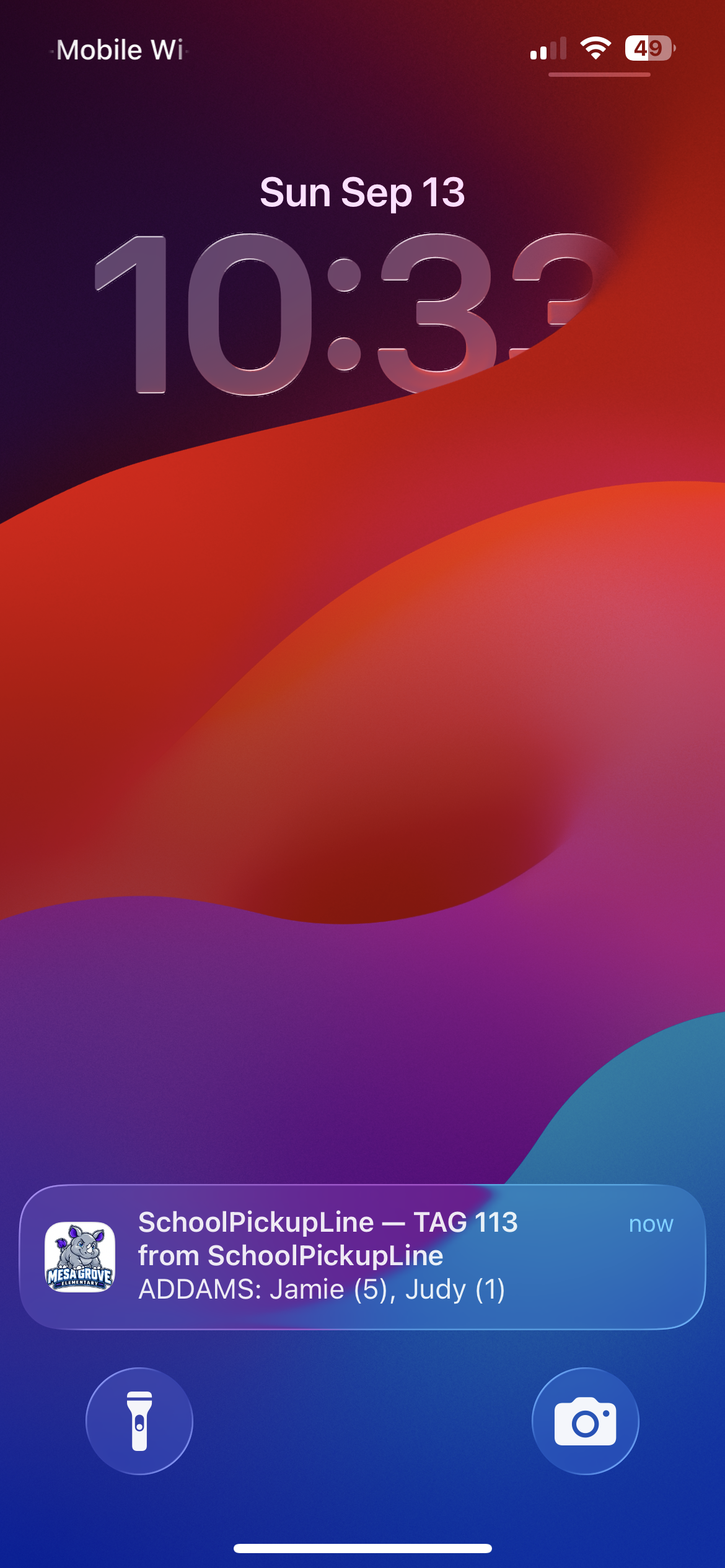
  • Live updates for inside and outside staff
  • Built around your school's existing pickup process
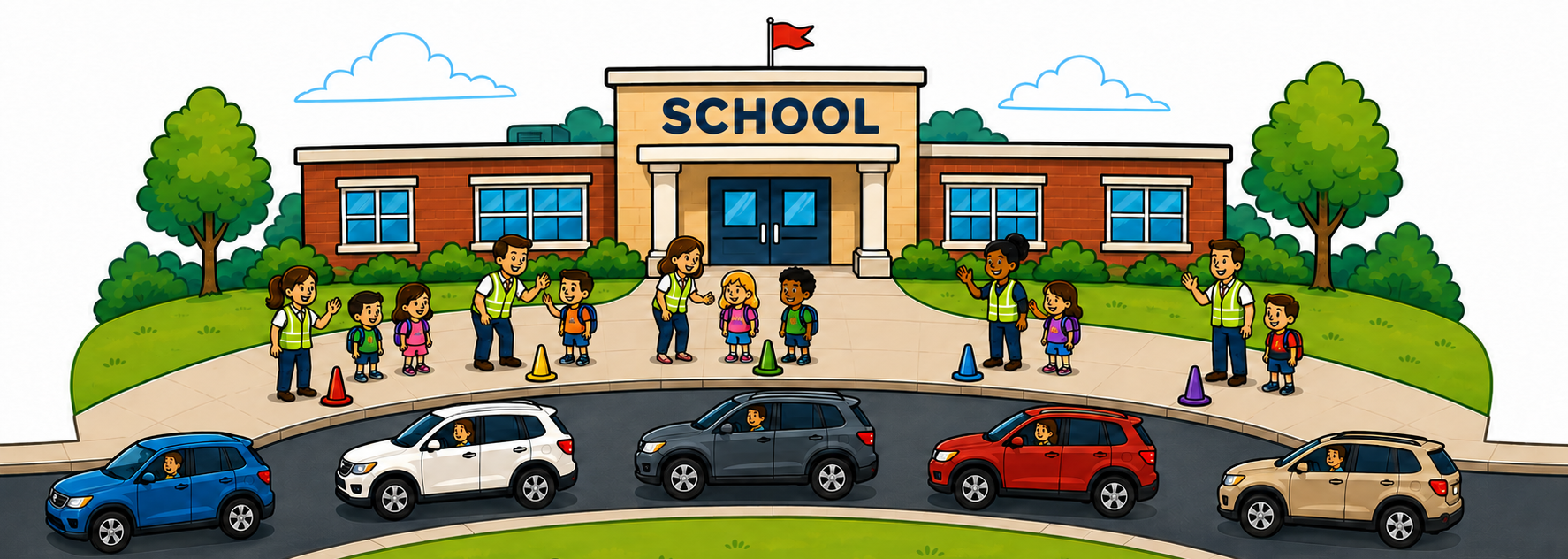
School pickup lane with cars queued single-file and staff helping students at color-coded pickup positions.
Fast tag entrySearch by tag or name
One or two linesSeparate queues on one campus
Your brandingSchool colors, logos & announcements
Your pickup colorsCones, hoops, signs, zones & more
The actual app

Real screens. One live pickup queue.

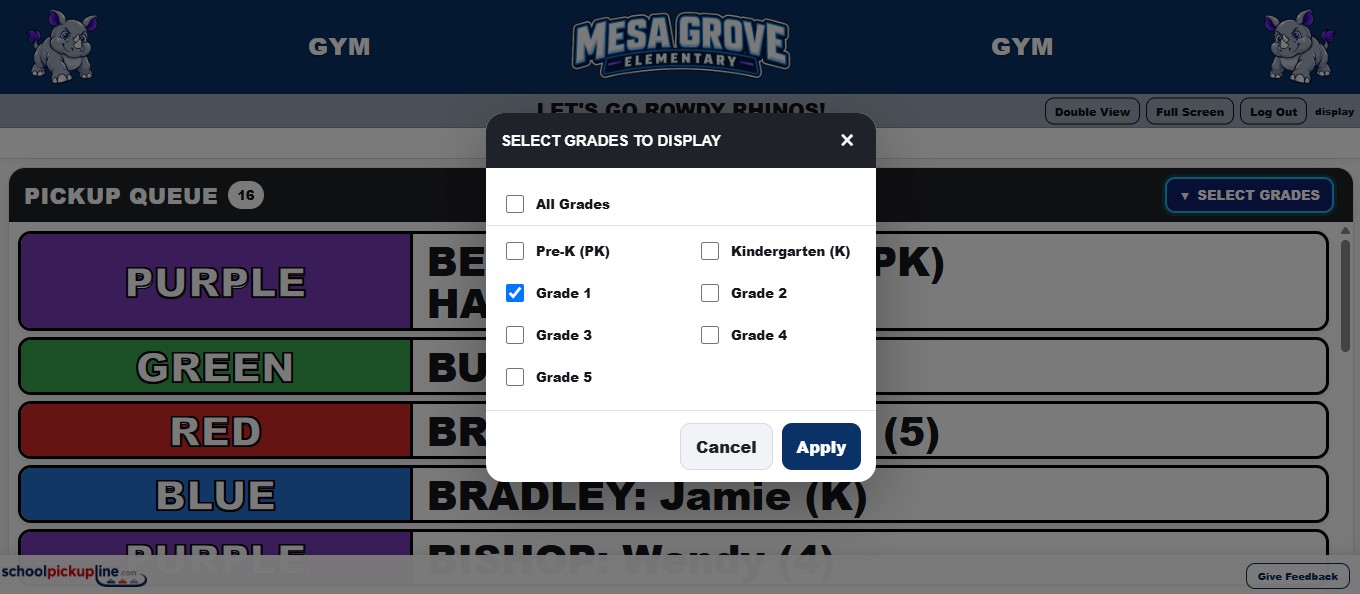
These are real SchoolPickupLine application screens using sample training names. School-specific header branding is masked here so you can focus on the workflow.

STAFF ENTRY

Enter the arriving vehicle

Web / desktop
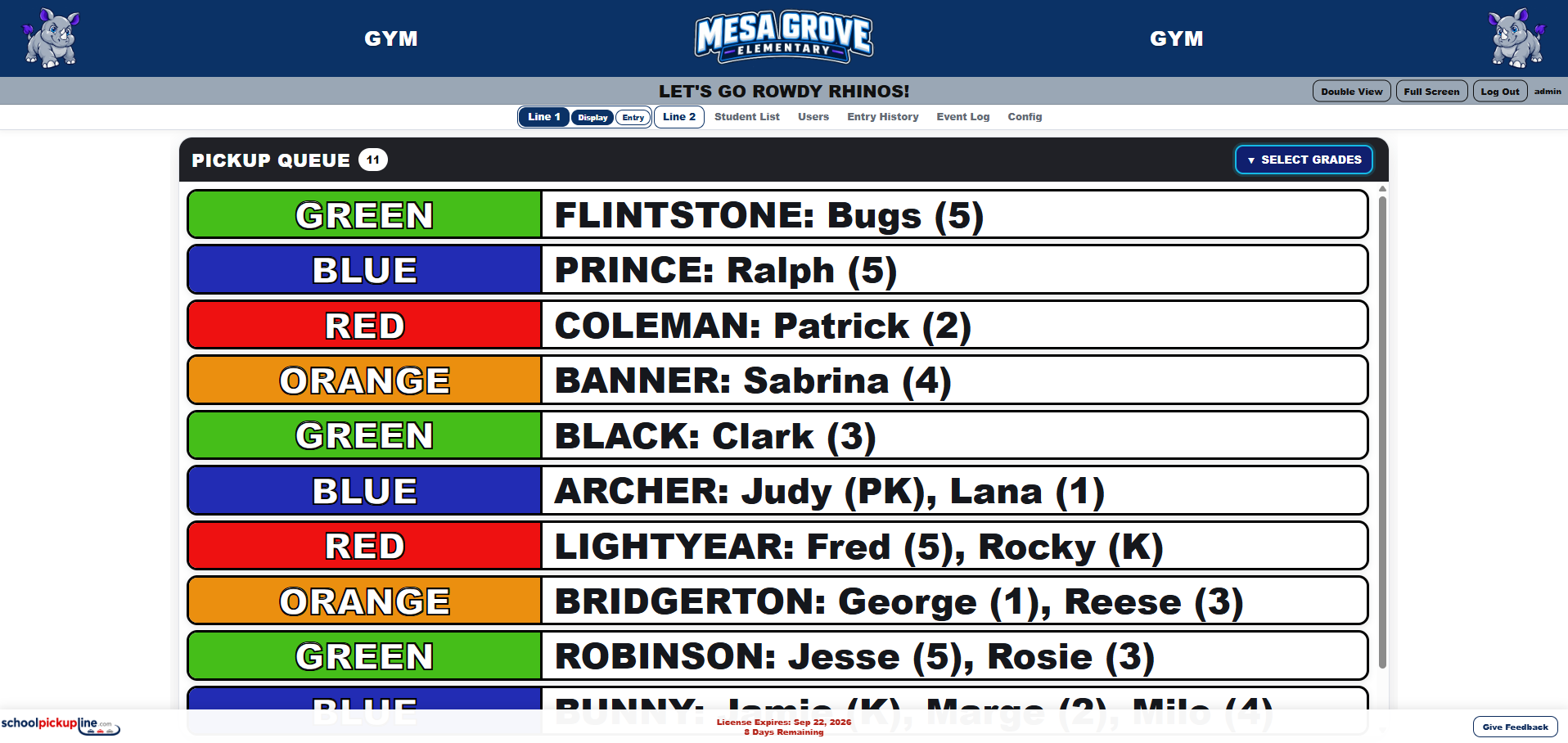
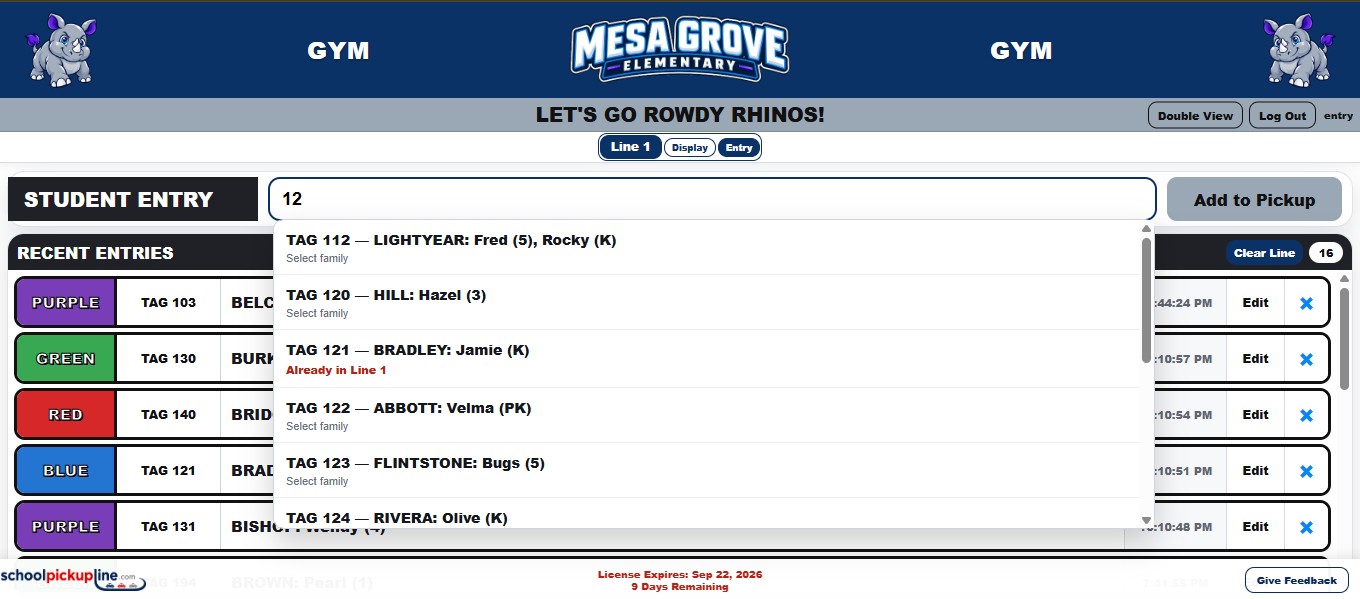
Actual SchoolPickupLine entry screen with tag numbers, siblings, a carpool, and a manual entry.
YOUR ELEMENTARY SCHOOLENTRY • LINE 1

Recent entries show the assigned color, tag number, family call, grades, edits, and newest-entry delete. The sample includes siblings, a black CARPOOL callout, and a manual *** entry ***.

LIVE DISPLAY

Show the queue anywhere

TV / classroom / auditorium
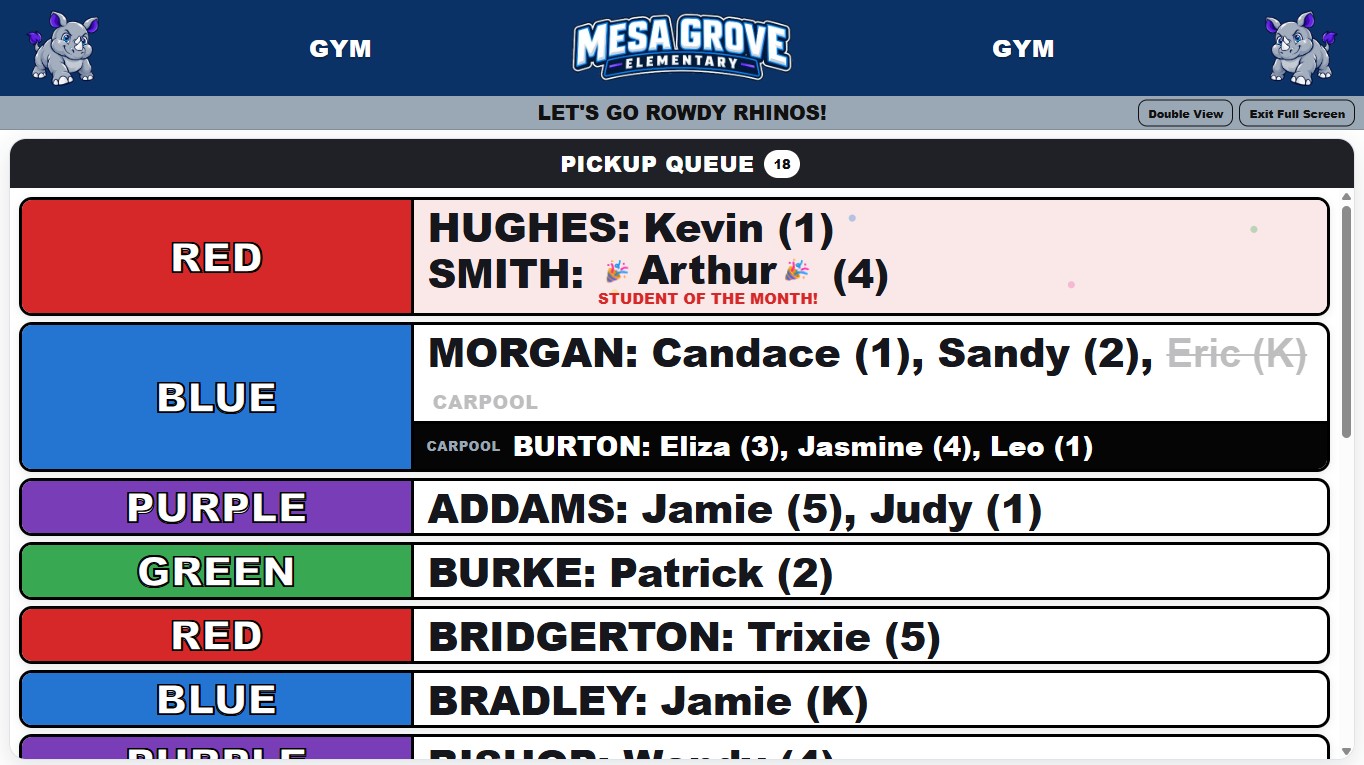
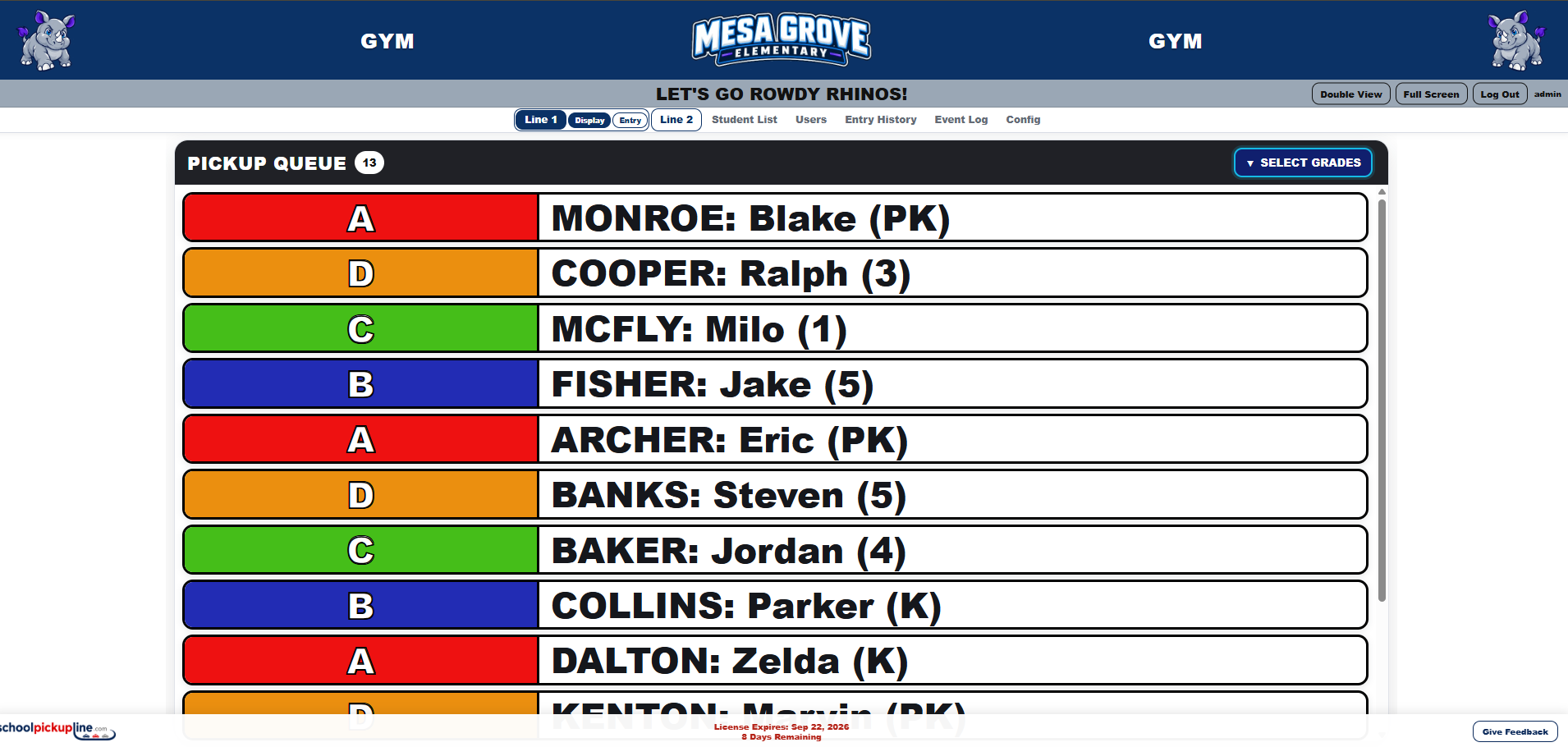
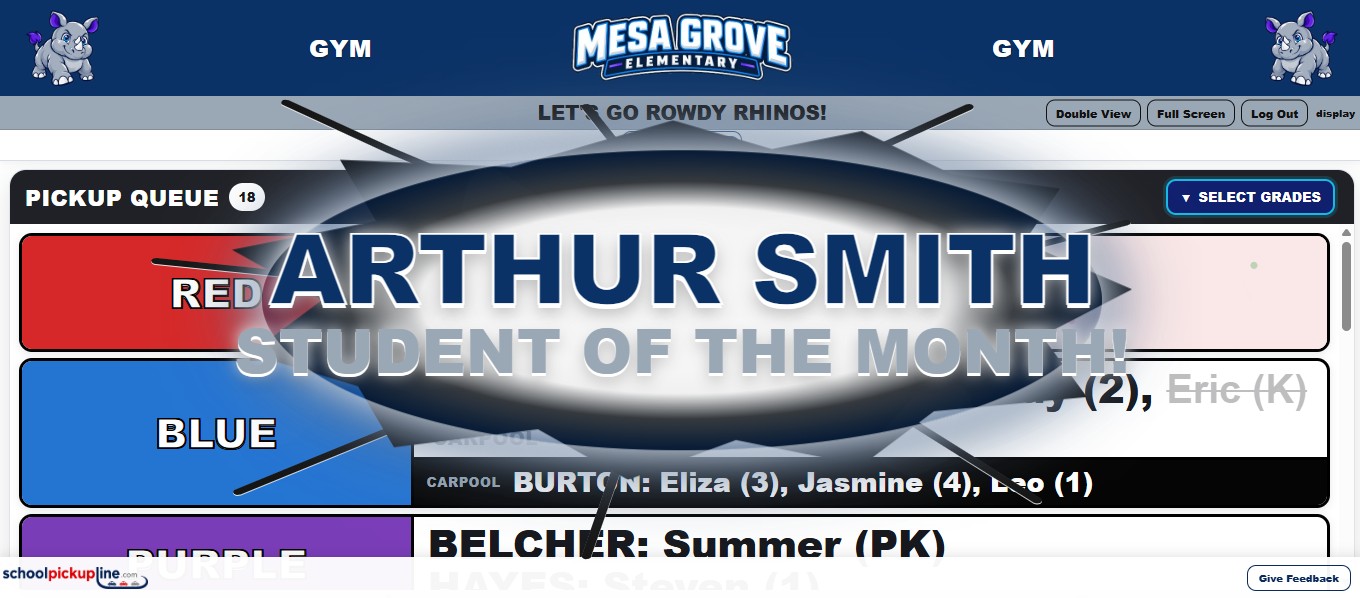
Actual SchoolPickupLine display with color blocks, students and grades, siblings, carpool callout, and a manual entry.
YOUR ELEMENTARY SCHOOLPICKUP DISPLAY • LINE 1

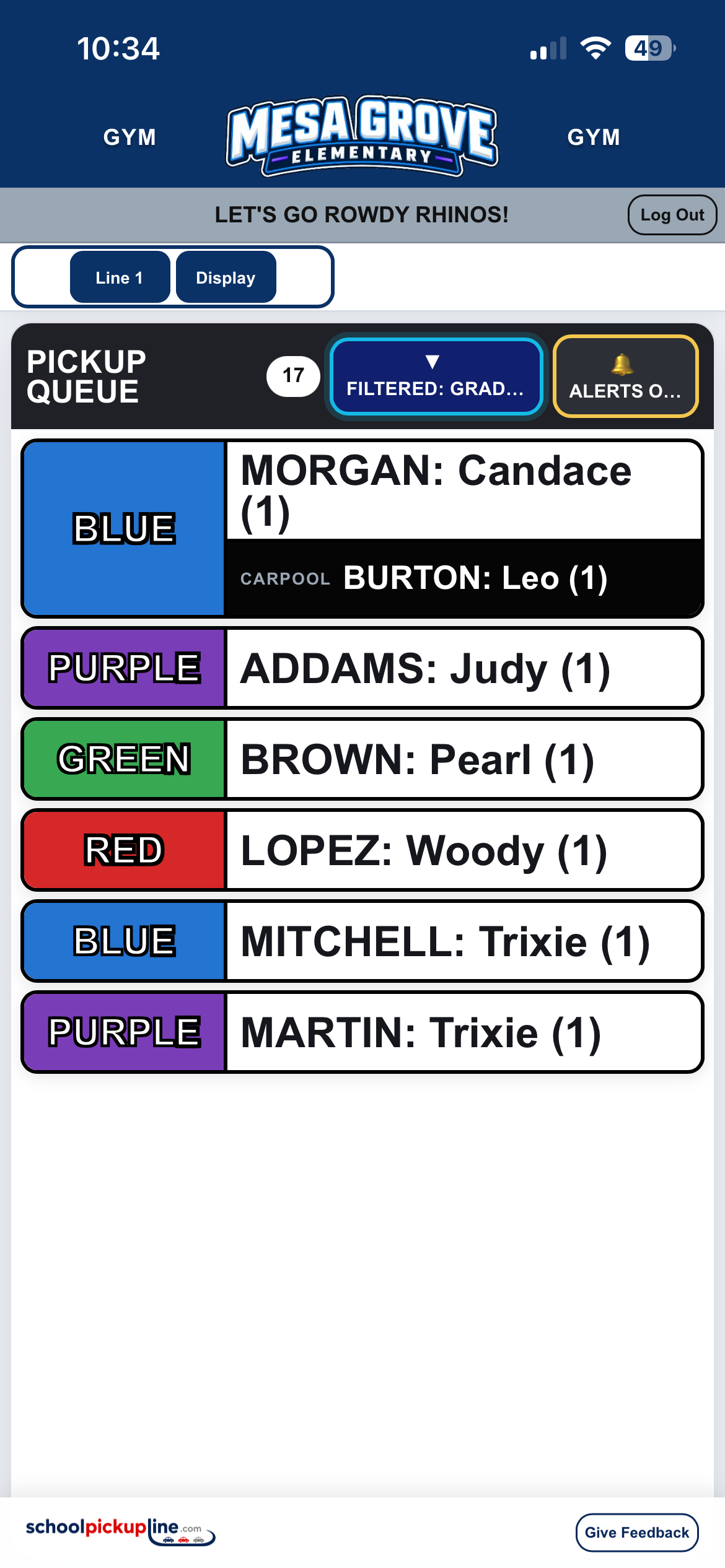
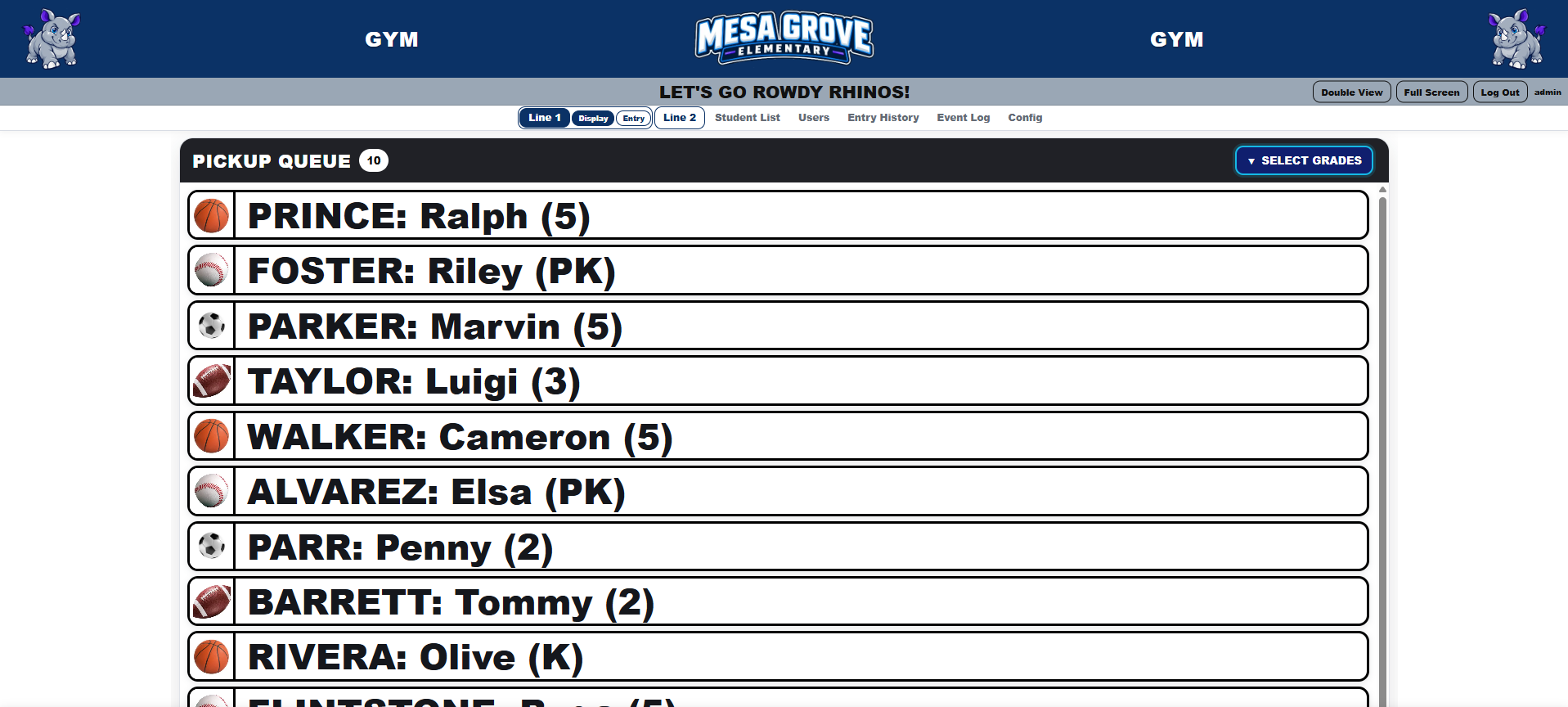
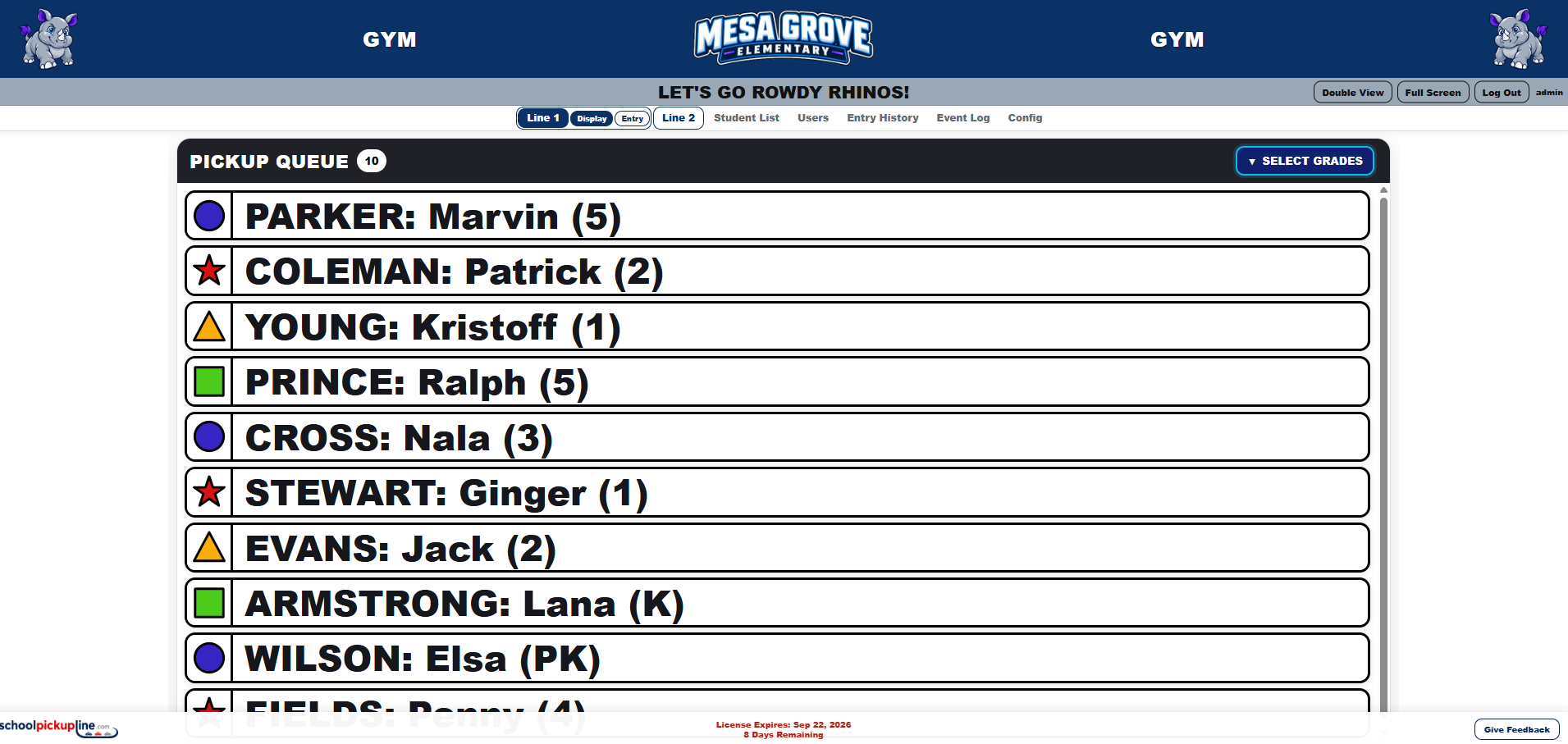
Large, high-contrast rows are easy to read from a distance. New calls appear at the top while teachers can keep the display open in a classroom, auditorium, gym, hallway, or other dismissal area.

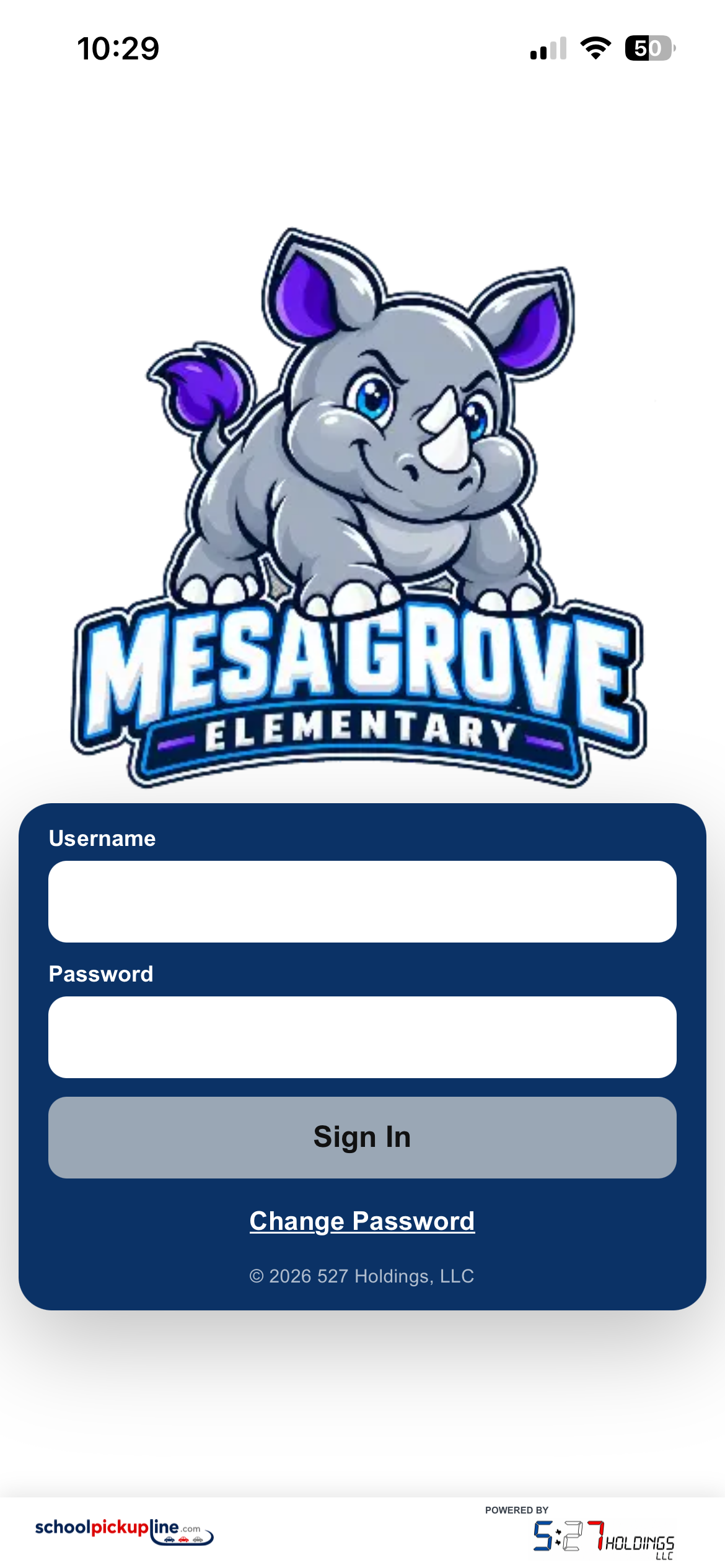
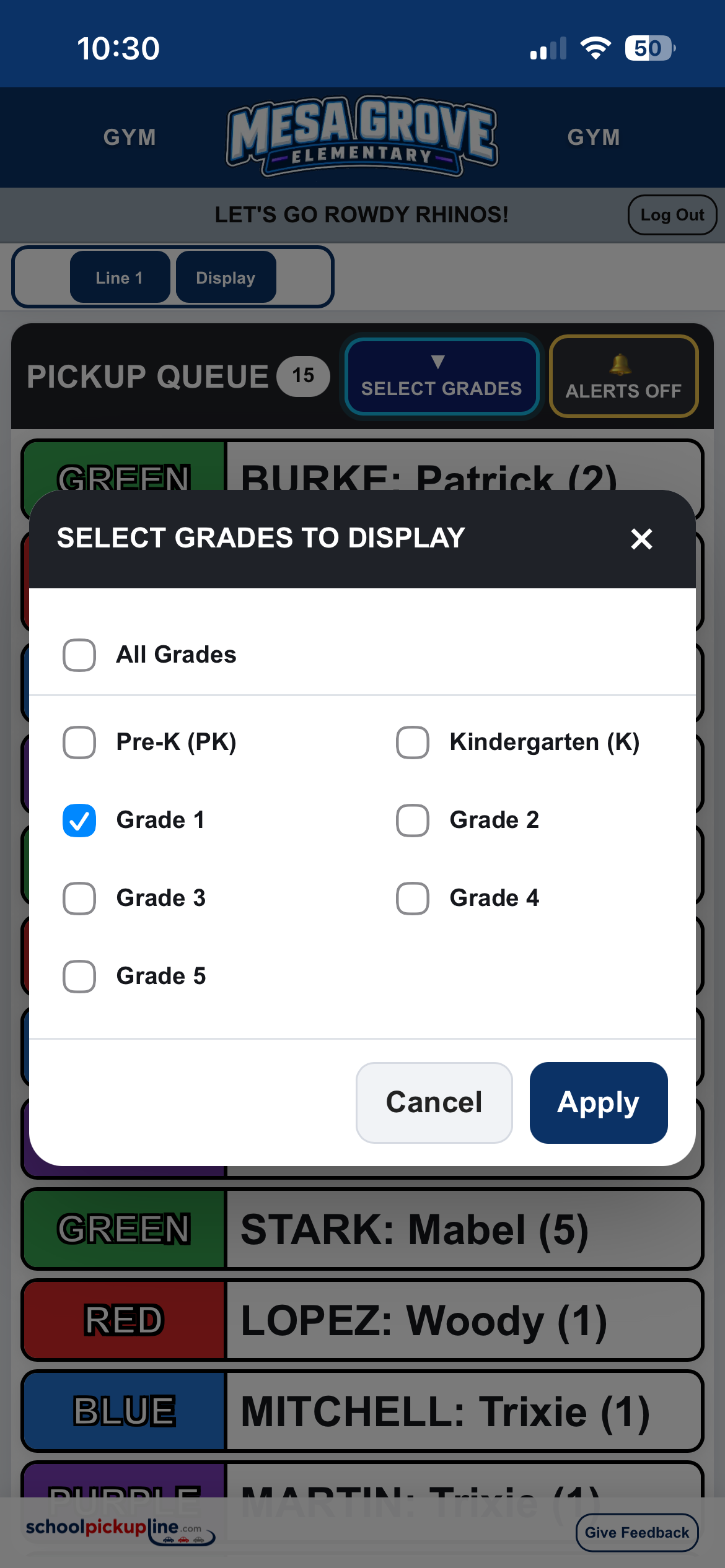
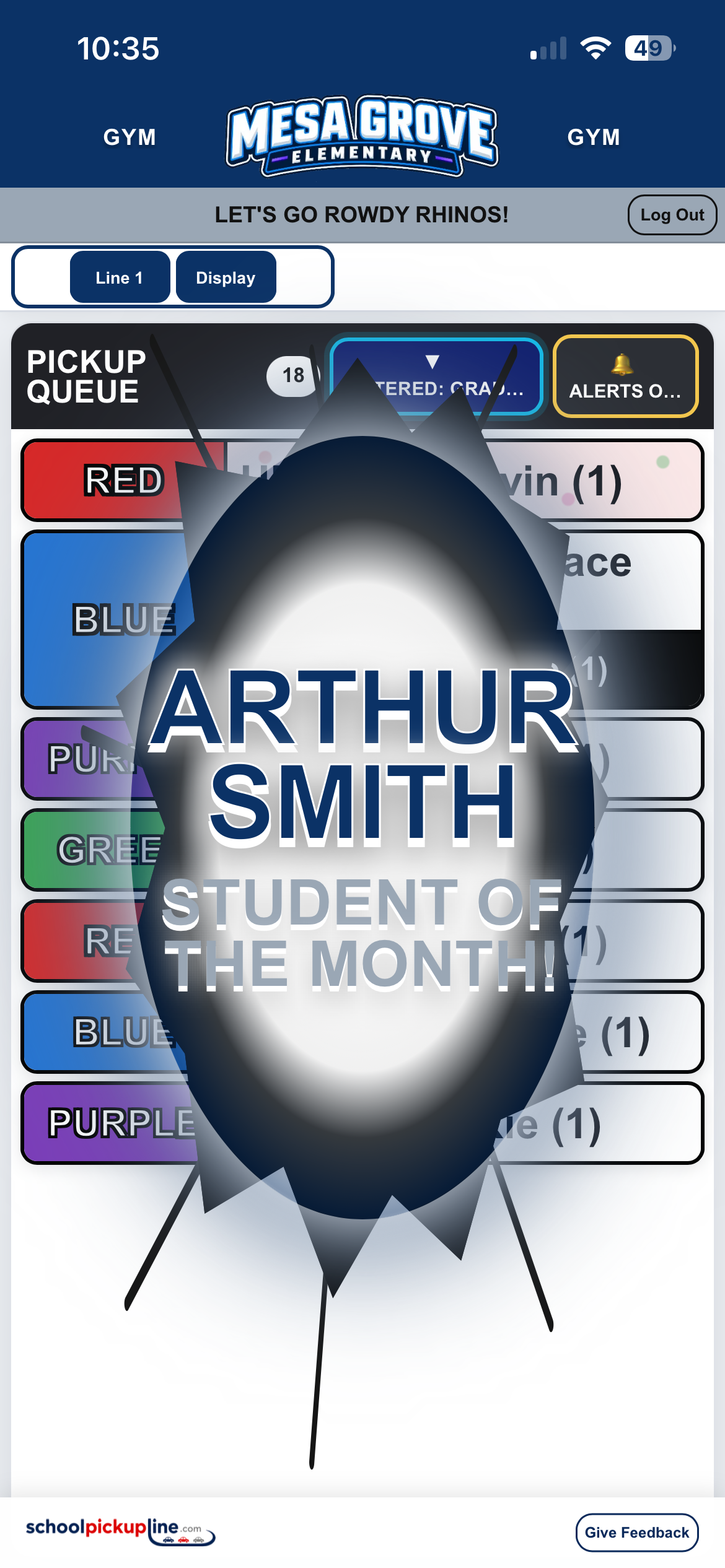
Actual responsive SchoolPickupLine entry view with manual entry and sibling examples.
YOUR SCHOOLLINE 1
Outside staff stay connected

The same queue works on a phone.

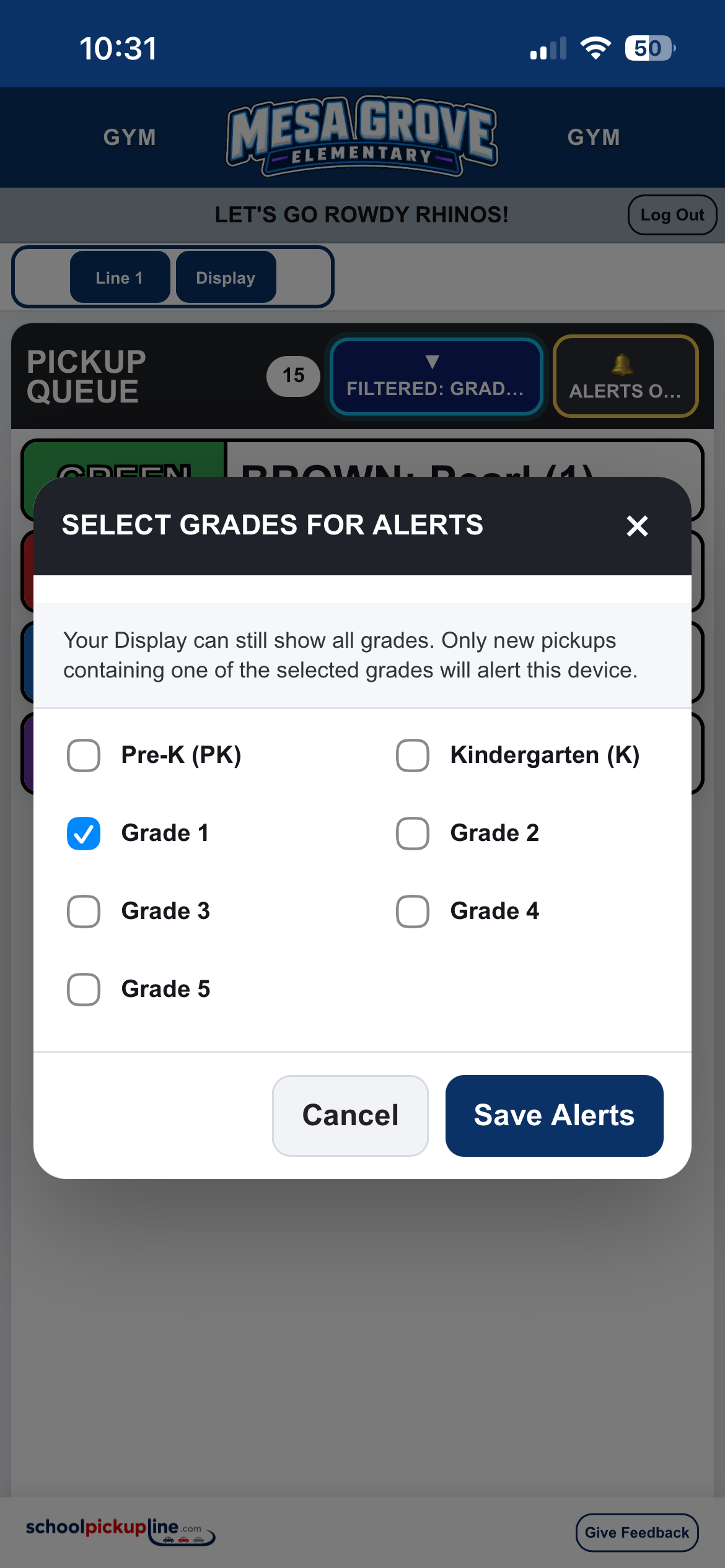
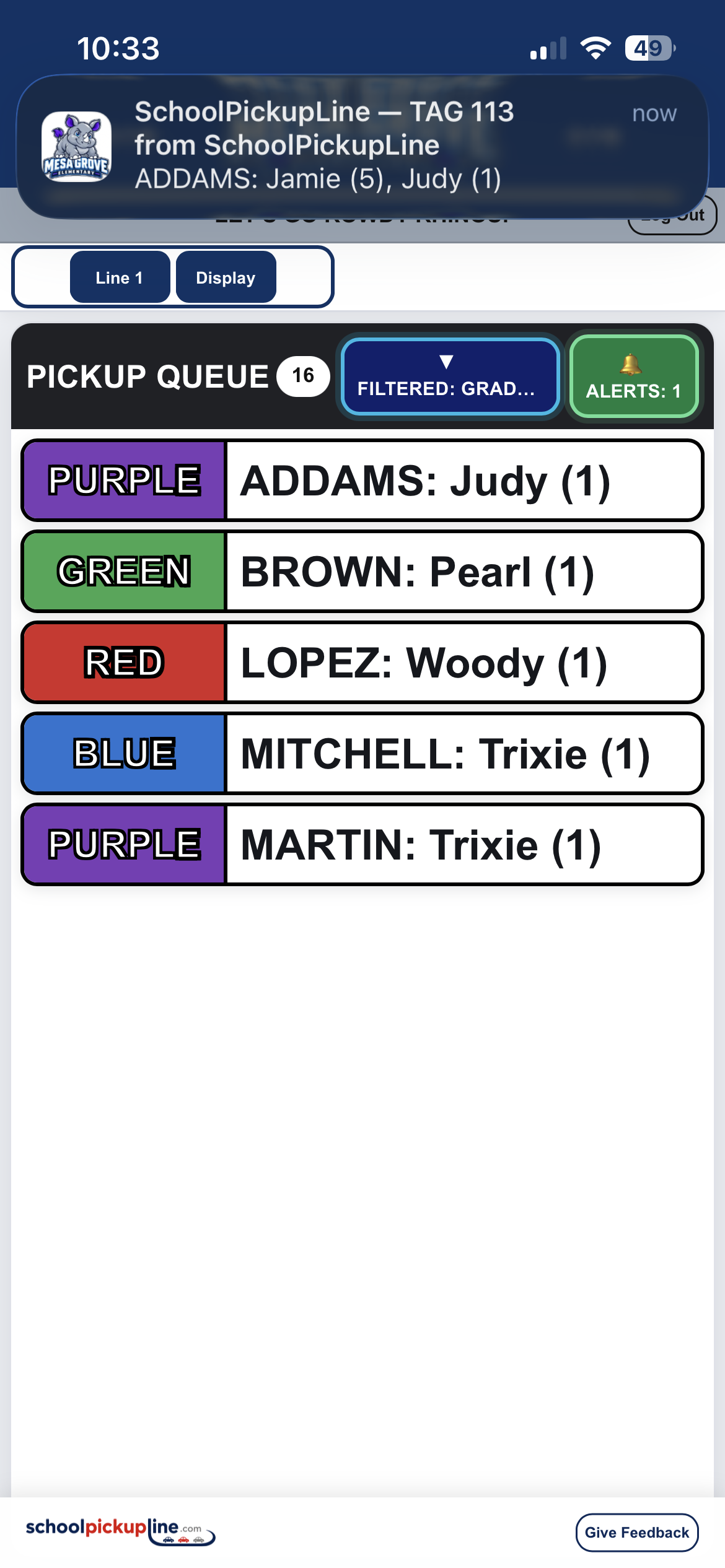
Teachers assisting outside can open the live queue on their phones while other staff continue entering vehicles. No separate app or special handheld is required.

Live queueResponsive mobile viewSame school login
How it works

From the windshield tag to dismissal in three steps.

1
123

See & enter the tag

A staff member sees the tag hanging in the arriving vehicle and enters the number. Predictive lookup can also find a family or student by name when needed.

2
SEND

Send to the live queue

The family is added immediately and receives the next configured pickup color. Siblings stay together and configured carpools are clearly called out.

3
GO

Dismiss from anywhere

Teachers see the queue in the classroom, auditorium, gym, hallway, office, or outside. Students report to the matching color location your school already uses.

Configured for your campus

Your school shouldn't have to redesign dismissal around software.

SchoolPickupLine is configured around the way your campus already operates. Authorized school admins maintain the day-to-day system themselves.

Talk to Us About Your School
01

Your school colors & logos

Set primary and secondary branding colors, upload school logos, and control line announcements.

02

Your pickup colors

Use cones, hula hoops, signs, painted zones, flags, or any color system already used on campus.

03

Two separate pickup lines

Run Line 1 and Line 2 independently on the same campus with separate queues and settings.

04

Built for real exceptions

Siblings, carpools, predictive lookup, manual entries, duplicate warnings, edits, and queue corrections are built in.

05

School-admin controlled

Admins can manage students, users, announcements, colors, logos, line settings, and CSV imports/exports.

06

No special hardware

Use the PCs, tablets, phones, TVs, and projectors your staff already has.

Already using SchoolPickupLine?

Find your school.

Each customer campus has its own secure SchoolPickupLine site.

C
Texas

Collinsville Elementary

Collinsville Independent School District

Open Pickup Line
For schools

Tell us how pickup works at your campus.

We only need enough information to understand the size of your school and the workflow you're trying to improve.

Sales & informationinfo@527holdings.llc
No app requiredBrowser-based on your existing devices
School-controlledYour staff maintains students and configuration
Designed for one campusOne or two independent pickup lines
REQUEST INFORMATION

About your school

Usually takes about a minute
What would you most like to improve?

Your completed request opens in your email app addressed to info@527holdings.llc.